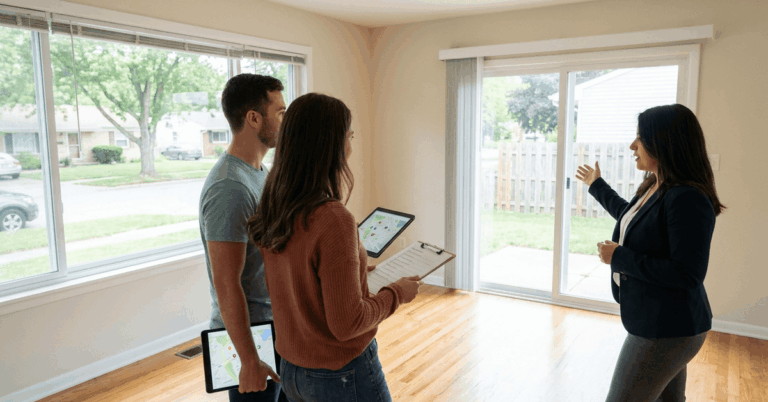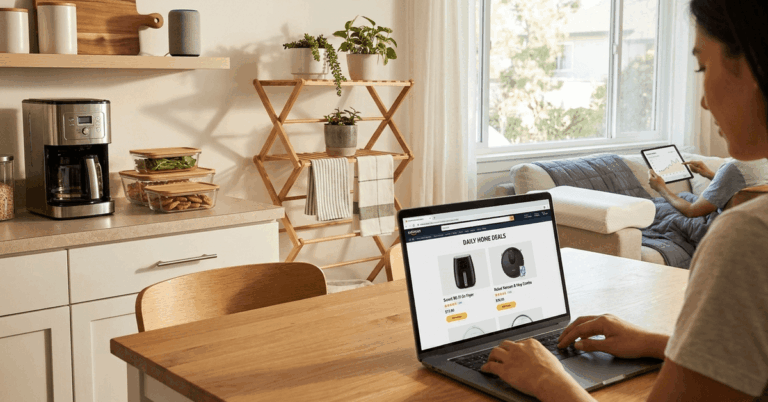
Small-space stress rarely comes from the room size alone. Most of the time, the layout fights the way daily life actually moves through the space, then clutter fills every gap. A practical way to break that cycle is to use AI to organize your home around real measurements, real storage limits, and realistic routines.
AI works best here as a planning layer. Computer vision can “read” a room photo, layout apps can turn rough plans into workable models, and generative tools can show multiple design paths in minutes.



Decisions still stay human. The goal is fewer wrong purchases, fewer heavy moves, and more usable space.
Set A Baseline So AI Can Make Useful Suggestions
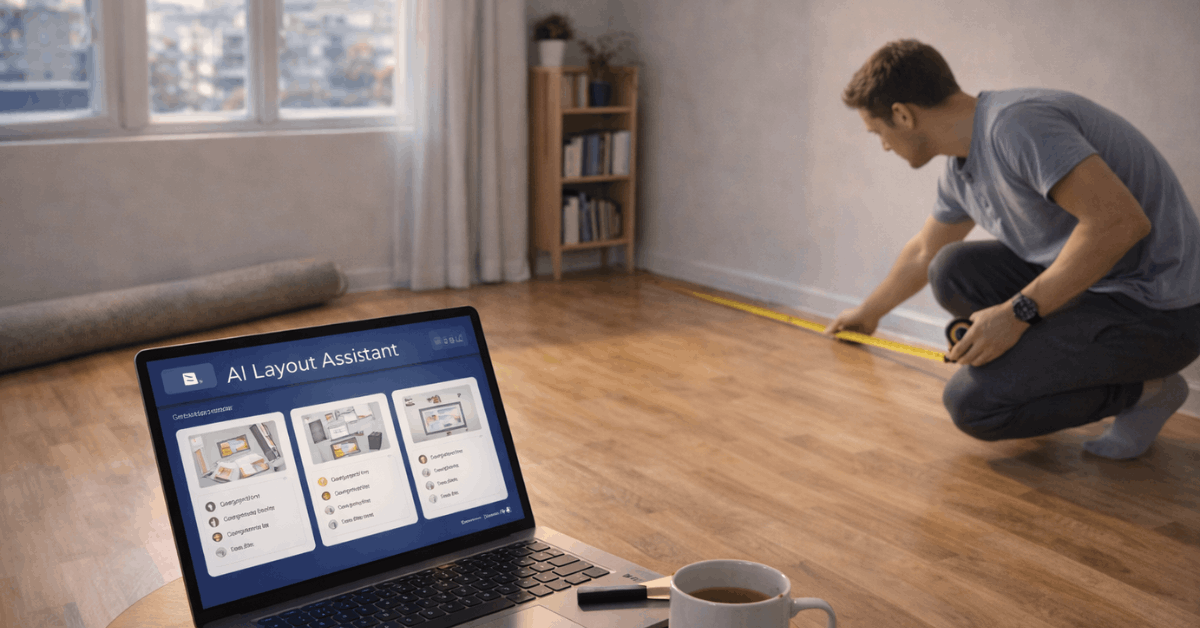
Good AI recommendations depend on clean inputs, so start with a quick baseline pass. A simple measuring sweep helps more than people expect. Room length, width, ceiling height, and door swing direction are the core data points.
A few photos matter too, taken in bright light and wide angles so corners, windows, and built-ins are visible.
One folder keeps the process organized: one subfolder per room, plus a notes file listing pain points like “entryway pile-up” or “pantry duplicates.” That baseline becomes the reference for every tool, from AI home organization tools that suggest storage to layout apps that propose new traffic flow.
Optimize Room Layouts and Furniture Placement
Layout changes create the biggest space gains, yet guessing layouts wastes weekends. AI layout tools remove most of the guesswork by letting layouts fail on-screen instead of in real life.
Convert A Room Into A Usable Model
Planner 5D and Coohom can convert a floor plan image into a 2D plan and a 3D scene, then allow edits. Planner 5D also describes its AI floor plan recognition as a fast process, often completing in minutes, and it lists entry pricing for premium features starting around a low monthly fee as of early 2026.
A clean model makes problems obvious: blocked pathways, dead corners, and oversized furniture. That’s the moment to test a space-saving furniture layout that keeps walkways open and reserves “landing zones” near doors and sofas.
Test Changes In Real Scale
Homestyler and Planner 5D both lean into AR features, letting furniture appear at real scale in the room. That matters because “fits on paper” often fails once doors, radiators, and window sills get involved.
This is where augmented reality furniture placement saves money. A chair that looks compact online may crowd the dining path, while a slimmer cabinet can unlock an entire wall.
Stress-Test Traffic Flow
Some tools use smart suggestions that react to room dimensions and common circulation rules. Even without advanced features, a fast manual test works:
- place the largest piece first,
- then preserve clear routes to doors,
- closets, and
- frequently used drawers.
Results improve when the room’s purpose stays specific. A living room that’s also a work zone and a gym corner usually needs defined “micro-areas,” not more furniture.
Declutter Faster Using Photo and Inventory AI
Decluttering gets easier when the “future room” feels visible. AI helps by showing a cleaner version of the same space, then backing that vision with a plan for where items will live.
Virtual cleanups come first. Tools like Deptho.ai, Cleanup Pictures, and similar editors can remove objects from a photo to simulate what the room looks like after edits. That process is often called virtual decluttering, and it’s useful because it turns vague motivation into a specific target.
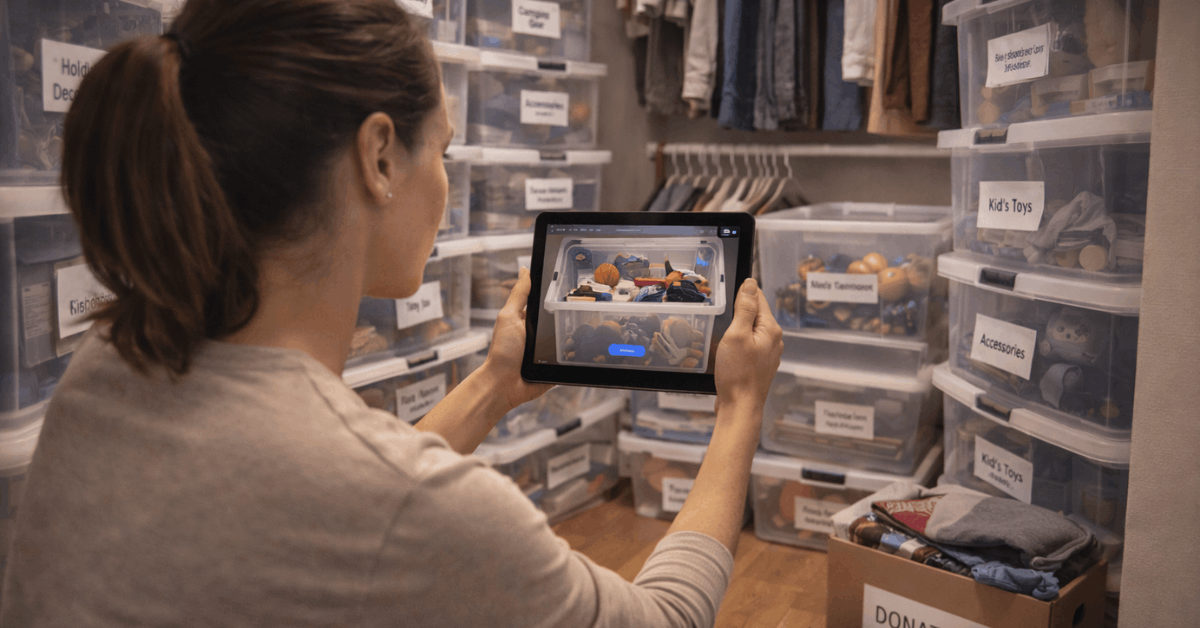
A second layer is storage reality. AI inventory apps catalog what already exists, which reduces duplicate buying and prevents “mystery bins” from multiplying. ShelfLily and LyfAI are often cited examples of photo-based cataloging, working well for closets, garages, and hobby supplies. A single digital inventory app can also support simple rules like “no new bin unless two old bins get emptied.”
Five quick declutter moves tend to work well with AI support:
- Snapshot the room, then generate a “cleared” version for a realistic target image.
- Tag each clutter zone as one category, not five mixed categories.
- Assign one container per category, then set a visible overflow boundary.
- Place daily-use items at arm height, seasonal items higher or lower.
- Retake photos after changes, then compare against the target image.
Digital clutter counts too. Apps that identify duplicates and unused files can reduce device mess, which indirectly reduces household mess when fewer screens and cables are spread across the home.
Re-Imagine Spaces Before Buying Storage Or Furniture
Some spaces feel impossible until a new use case gets tested. AI makes that testing cheap.
RoomGPT, Canva AI Interior Styler, and Spacely AI can generate style and layout variations from a single photo. RoomsGPT also positions itself as a simple “upload and choose a style” tool, and RoomsGPT-style generators are useful for fast inspiration rather than precise measurements.
A realistic expectation helps: concept images guide direction, then measured layout tools confirm feasibility.
Use Different AI Tools at the Same Time
Mixed tools can work together. A redesign concept can come from RoomGPT, and the winning direction is then rebuilt accurately in Planner 5D or Coohom. That sequence prevents a common mistake: buying shelves based on a pretty render that ignores door clearance.
More advanced rendering tools exist for people who want near-photoreal previews. HomeVisualizerAI lists a Standard plan around $12/month on its own plans page as of early 2026, and similar renderers often offer higher tiers for heavier use.
Decorilla blends AI previews with professional designer input, which suits larger projects or rooms where costly mistakes hurt.
Build Smart Habits That Keep Space Open
Better layout and decluttering help, yet long-term space comes from routines that prevent re-accumulation. AI can support those routines without turning the home into a control center.
Cladwell is often used as a closet assistant that suggests outfits and identifies underused items, helping to keep a closet tidy. A capsule wardrobe planner mindset fits here:
- fewer pieces,
- clearer categories, and
- less “closet overflow” that spills into bedrooms.
Kitchen clutter is another repeat offender. Meal planning tools that track ingredients can reduce duplicate pantry purchases and expired food. That connects directly to smart pantry organization, since less wasted food usually means fewer half-open boxes and fewer “backup” items hiding behind everything.
Family coordination matters too. Jam and similar household-planning apps reduce mental clutter by making chores and routines visible, lowering the chance of random piles forming because nobody owns the task.
Prompts and Photo Tips That Make AI Results Better
Better prompts and better photos create better outputs, so a few habits are worth adopting.
Photos should be bright, wide, and consistent. One corner photo rarely shows enough. Two wide shots and one “problem zone” shot per room usually give AI enough context to stop guessing. Blurry night photos often produce odd renders and bad layout assumptions.
Prompt clarity matters more than fancy wording. A tight prompt describes the room, the constraint, the goal, and the items that must stay. ChatGPT can turn those notes into a step-by-step plan that fits a real schedule, and it can also generate shopping priorities so spending stays focused.
Example prompt structure that stays reliable:
- Room type + dimensions, biggest pain point, what must stay, what must go, and a realistic budget range.
Results improve when constraints are honest. A “minimalist” plan fails if five hobbies need storage. A “no new furniture” rule fails if the only storage piece is broken.
One last check keeps the whole process grounded: run the final decision through measurements. The fastest way to waste space is trusting a pretty render over the tape measure.
That’s also why it helps to use AI to organize your home as a planning assistant, then lock in decisions using real-world dimensions.
Last Thoughts
AI can’t magically make a home bigger, yet it can make space feel available again by removing guesswork.
Once photos and measurements are clean, layout tools help test furniture moves safely, declutter editors make the “after” visible, and inventory apps stop storage from turning into a black hole.
The real win comes from combining those outputs with simple habits that prevent clutter from rebuilding. Keep the tape measure as the final judge, use AI to organize your home as the planning layer, then commit to the layout and storage rules that fit daily life.